




View firmware versions for connected Barracuda Networks appliances on the BASIC > Reports page.
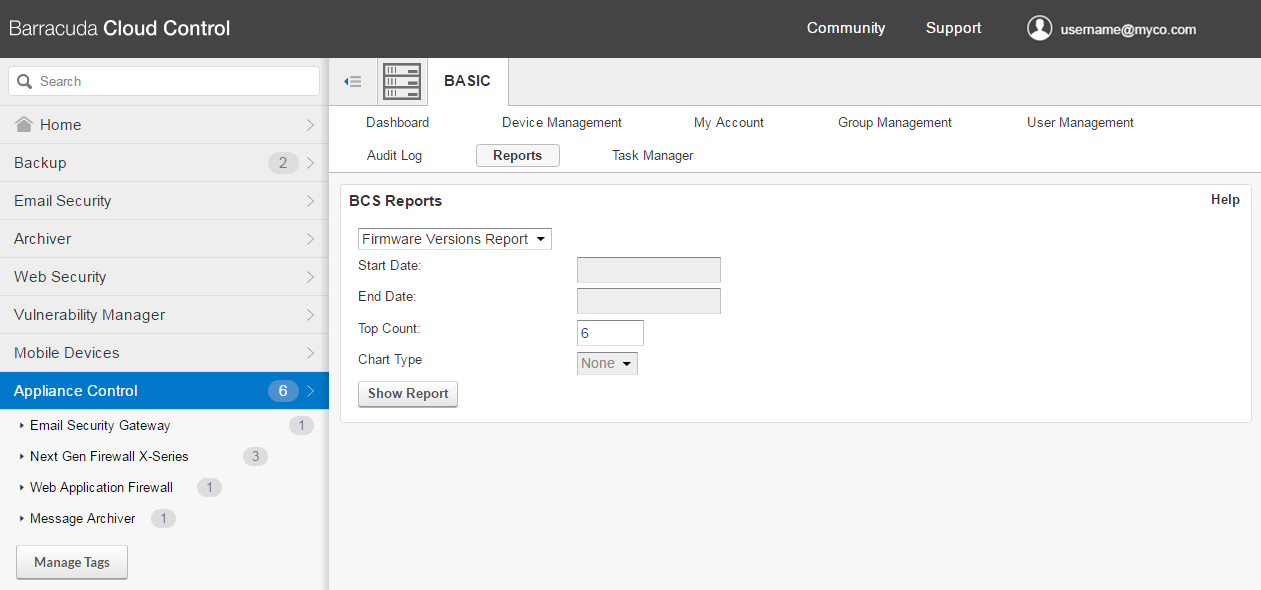
To create a report,
- In the left panel, select Appliance Control.
- Select BASIC > Reports.
- In the Top Count field, specify how many appliances to include in the report. Other fields can remain unchanged.
- Click Show Report.
The report is generated immediately and shows:
- Appliance Name
- Type of Product
- Serial Number of the appliance
- Current Version of firmware the appliance is running
- General Release – Firmware released to all customers
- Early Release – Early release of firmware, released to a specific subset of customers before the general release, for testing purposes