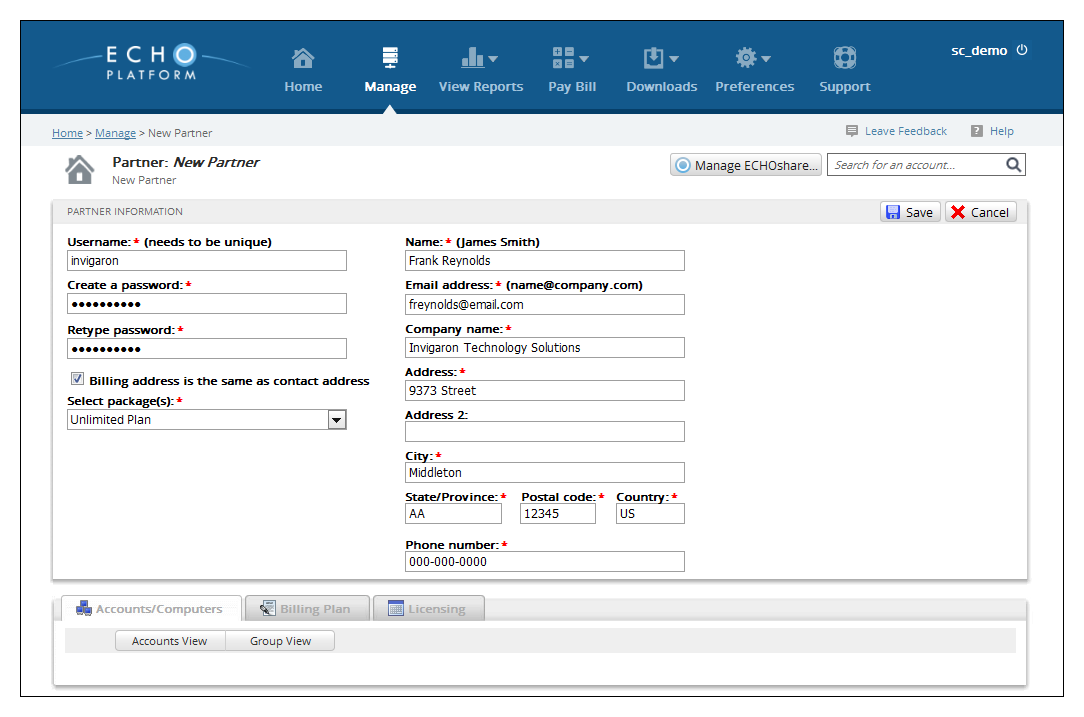
A subpartner account is similar to a partner account except for being the child account of a partner account. A subpartner can do almost anything a partner can do, from creating client accounts and subaccounts to making custom billing plans. This article will instruct partners in creating a subpartner account.
Directions
- Log in to the management portal and then navigate to the Manage tab.
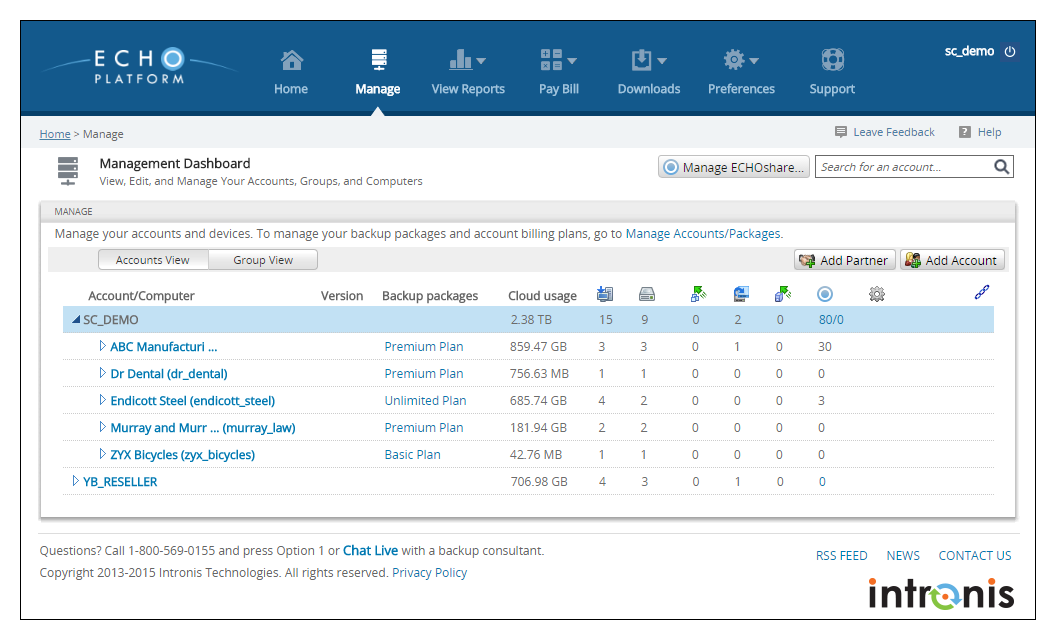
- Click on the Add Partner button on the right-hand side.
- Here you will enter the account information for your subpartner. Once you have finished, click Save to finish creating the account.