




You can create a compression policy including applicable response content types for a Rule or Service with Layer 7 - HTTP Services on the WEBSITES > HTTP Compression page in the web interface. All configured Services and Rules display in the Compression table.
To edit HTTP compression, go to the WEBSITES > HTTP Compression page, and click the Edit icon following the Service or Rule you wish to modify; the edit page displays:
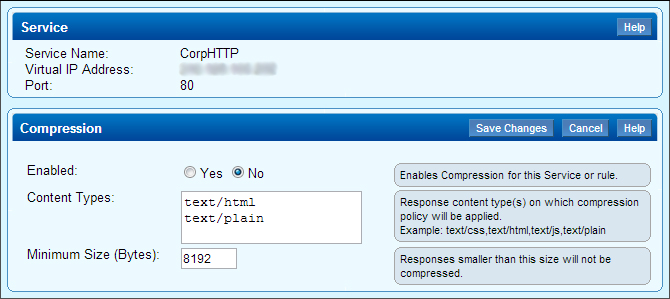
Modify the compression settings, and then click Save Changes.