




Use the Admin page to manage Barracuda Backup users, email notifications, and display groups and activate new Barracuda Backup devices from here.
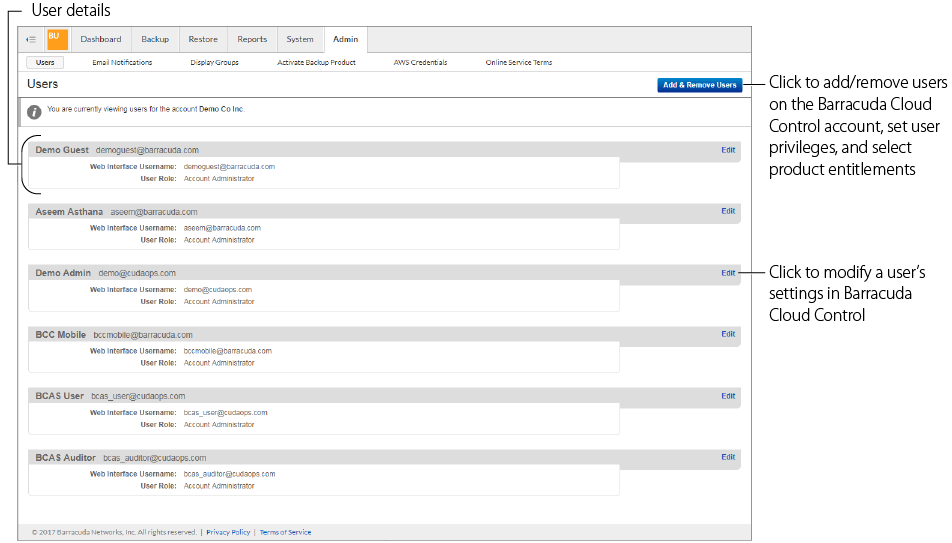
Users
Use this page to administer users that have access to the Barracuda Backup web interface.
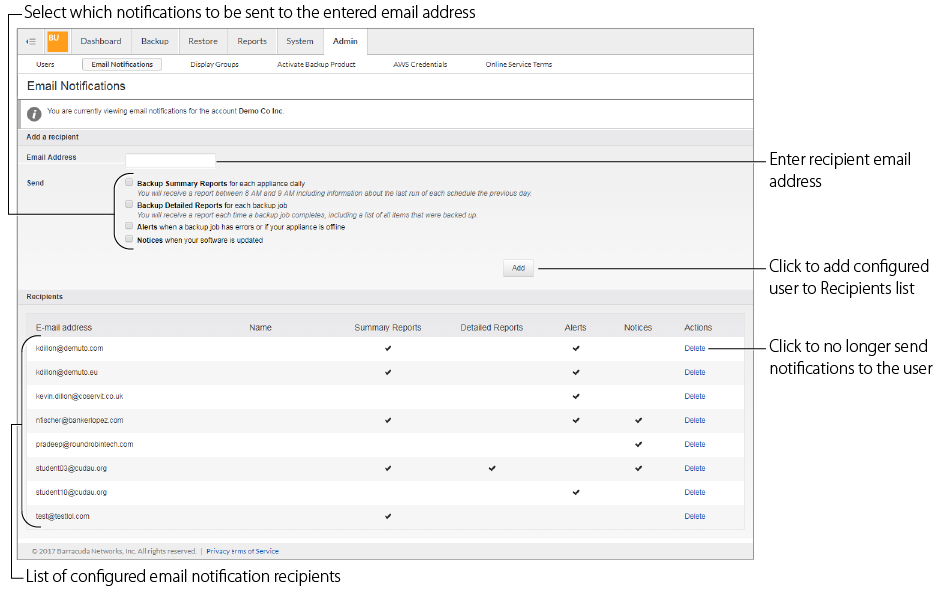
Email Notifications
Specify the type of email notification for each user on the account, or users not associated with your account (non-users).
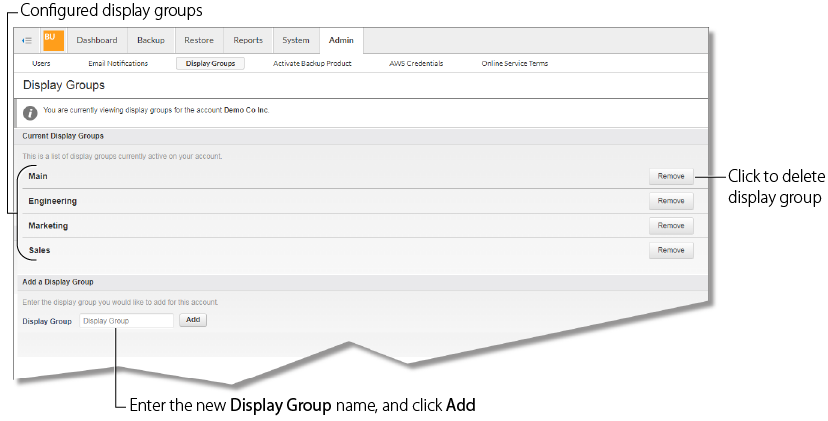
Display Groups
If you have multiple Barracuda Backup devices, you can manage them through display groups. Use display groups to organize your backup devices in the left pane.
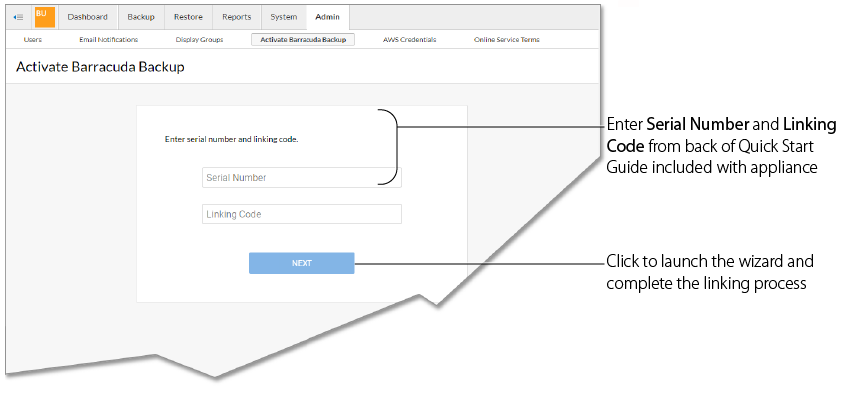
Activate Barracuda Backup
Use this page activate a new Barracuda Backup appliance. The Barracuda Backup appliance must be linked online before backups can be initiated.
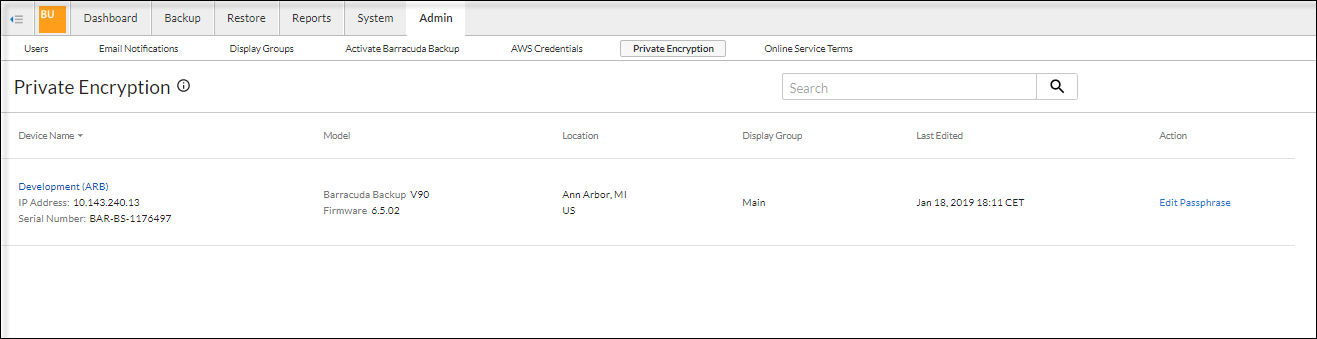
Private Encryption
Use this page to edit your private encryption key passphrase. For more information about private encryption, see the section on Cloud Data Private Encryption .
Online Service Terms
View the Barracuda Networks Privacy Policy on the Barracuda website.