




In some situations, it might be necessary to remove one or more licenses from the CloudGen Firewall. This article describes how to remove a base license on a stand-alone firewall.
- Log into your CloudGen Firewall.
- Go to CONFIGURATION > Configuration Tree > Box Licenses.
- Click Lock.
- In the list of the table, select the line where the entry for Parameters contains
mod=base-.....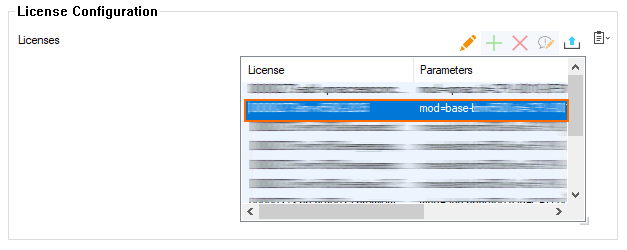
- Click the red X to delete the license.
- Click Send Changes / Activate.
Your license is now permanently removed.