




To edit a stray file template, perform the following steps.
- At the ECHOplatform ribbon, select Preferences.
The Preferences drop-down menu is displayed.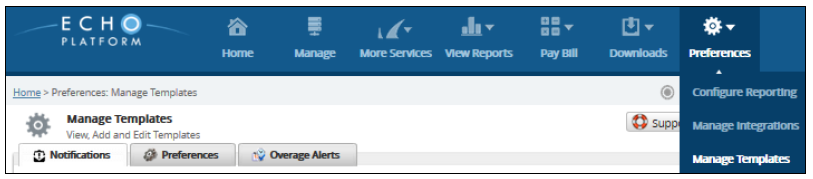
- Select Manage Templates.
The Manage Template page is displayed.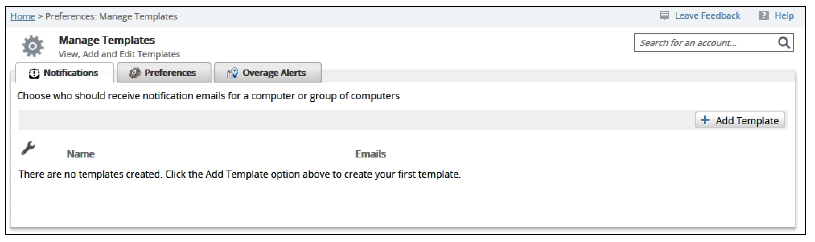
- Select the Preferences tab.
The Preference templates are displayed.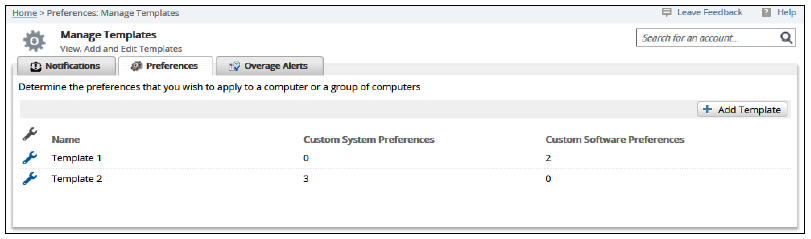
- Click the edit icon
 beside the template you want to modify.
The Edit Template page is displayed.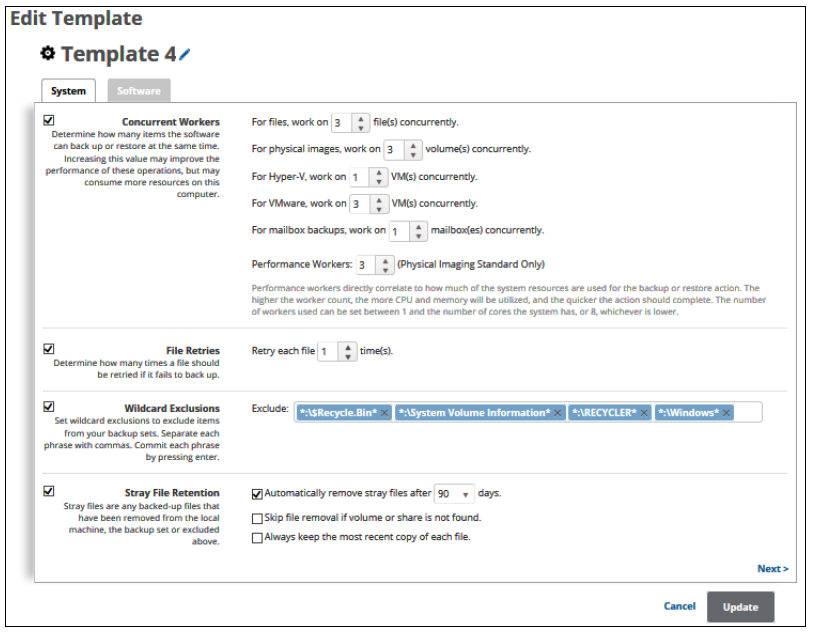
- At the Stray Files Retention section, make edits, and then click Update.
The Manage Template page is displayed.