




To integrate Managed Vulnerability Security, you must do the following:
Create an Organization Key to allow data to be shared between Barracuda XDR and the Rapid7 Command Platform.
Enter the API Key obtained from Rapid7 in the Barracuda XDR Dashboard.
See the procedures below.
Required permissions
To generate an organization key, you need one of the following roles:
Platform administrator Can generate, view, and manage API keys across all organizations.
Organization administrator Can only generate, view, and manage API keys within your assigned organization.
Generating an organization key
To generate an organization key
Sign into the Rapid7 Command Platform.
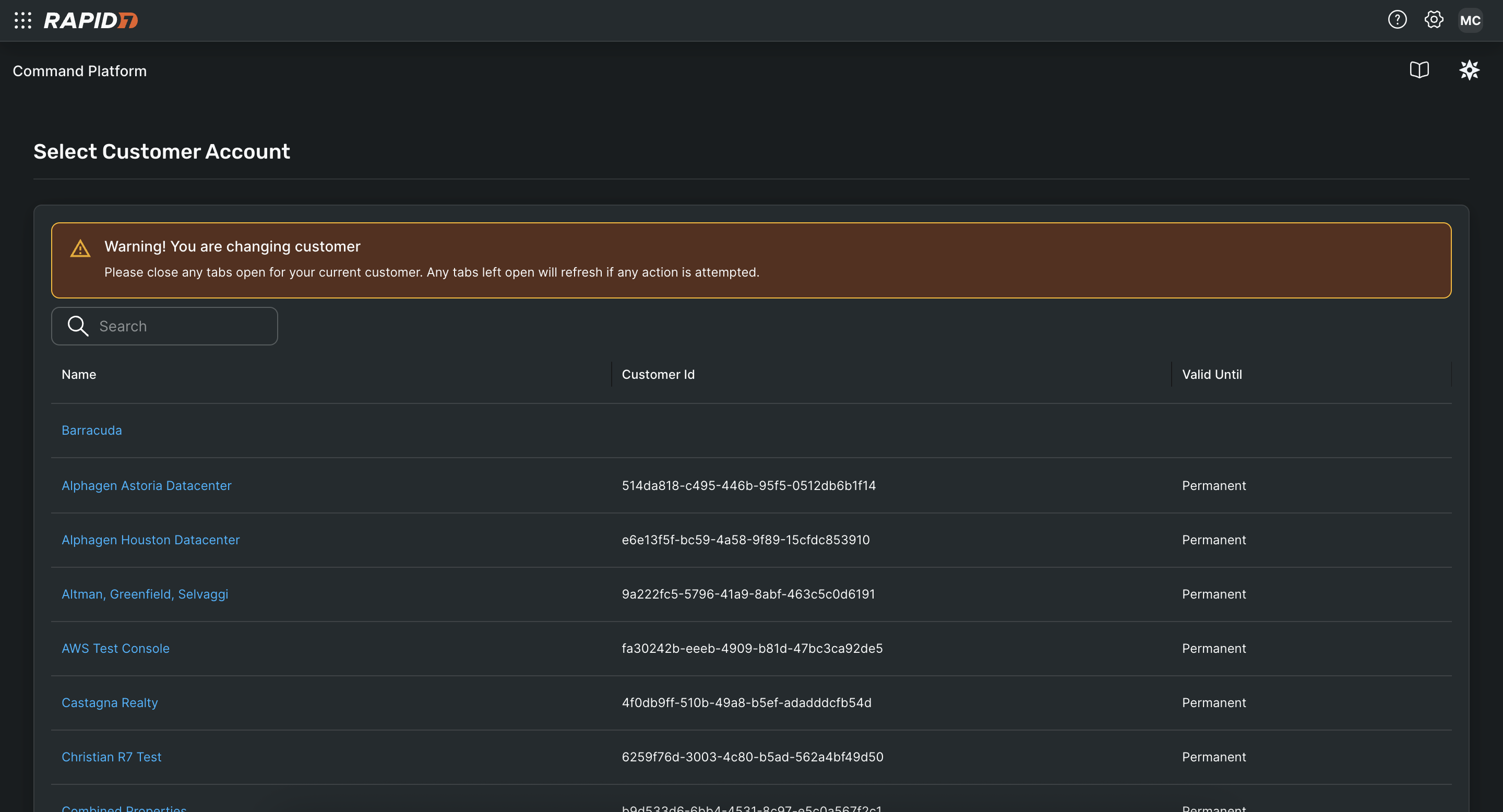
Navigate to the Select Customer Account page.
Click the link of the account that you want to generate a key for.
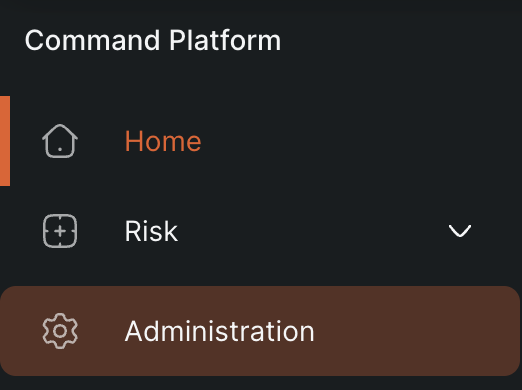
On the left menu of the Rapid7 Command Platform Home page, click Administration.
On the left menu of the Administration page, click API Key Management > Organization Keys.

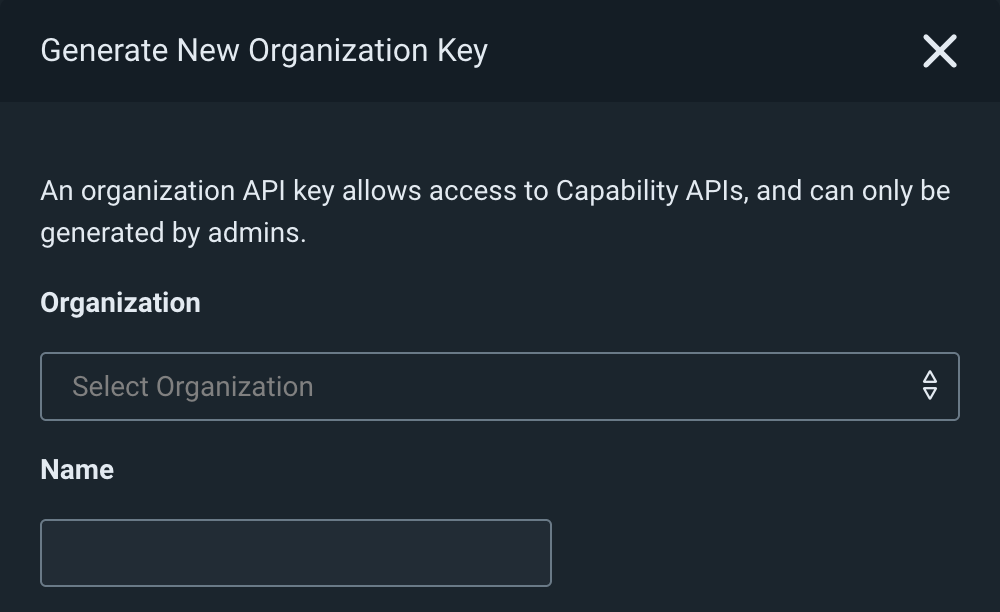
Click the Generate New Organization Key button.

When the Generate New Organization Key panel appears, select an organization and provide a name for the key.
Generate the key.
A window opens and displays the generated key.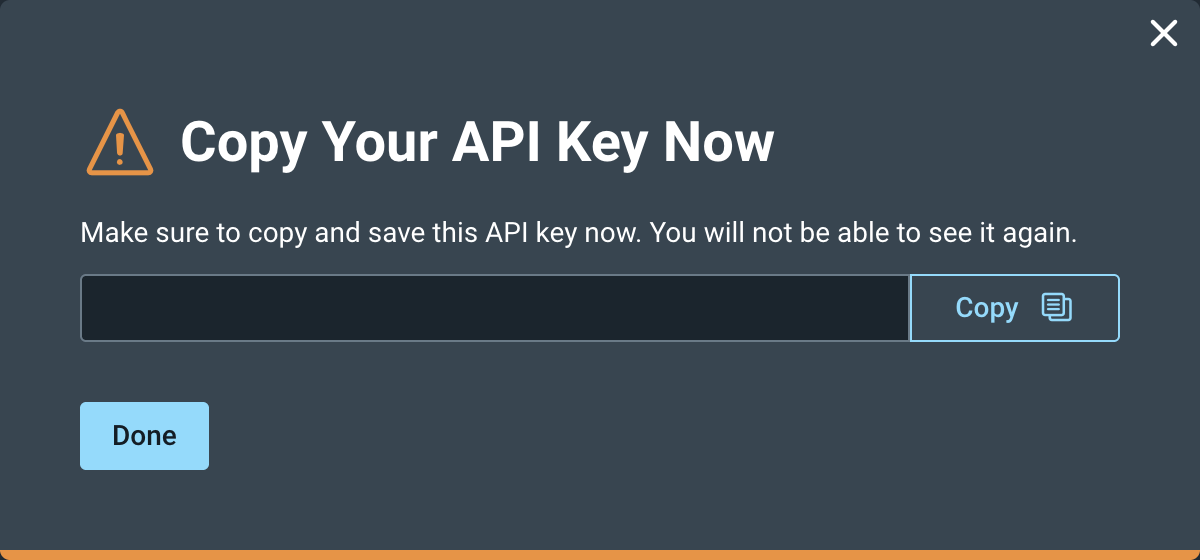
Copy the key.
To set up Barracuda XDR Dashboard
In Barracuda XDR Dashboard, click Administration > Integrations.
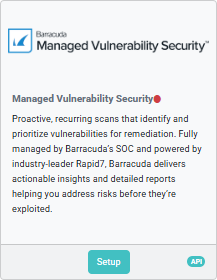
On the Managed Vulnerability Security card, click Setup.
Select the Enabled check box.
Enter the API Key you created earlier.
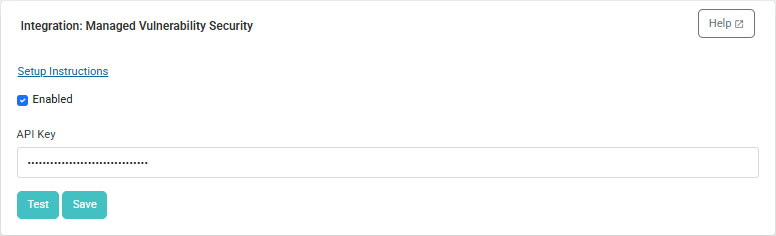
Optionally, click Test and if the test succeeds, proceed to the step 6.
Click Save.