




Use this billing strategy when choosing to bill at the same flat price-per-GB of backup storage for all of your backup customers.
Setting Up Universal Price-per-GB
To set up universal price-per-GB, perform the following steps.
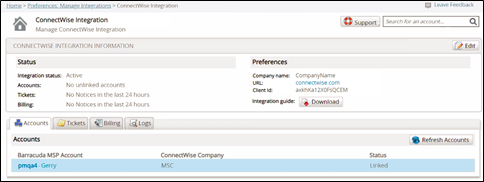
- At the ConnectWise Integration page, select the Billing tab, as shown below.
The Billing page is displayed.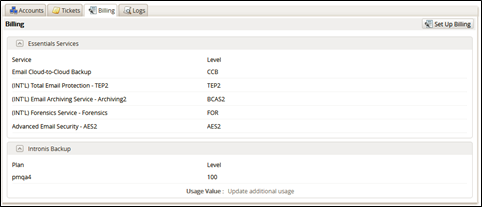
- Click the Set Up Billing button.
The ConnectWise Billing page is displayed.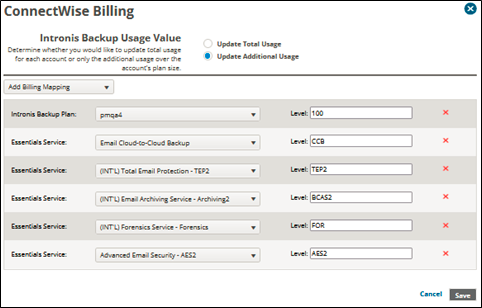
- Click Add Billing Mapping.
The available services are displayed.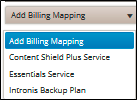
- Select Intronis Backup Plan.
The Intronis Backup field is displayed.
- Select the Intronis Backup Plan drop-down arrow to display your plan options.
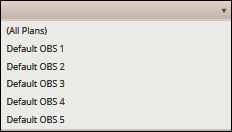
- At the Plan drop-down menu, select (All Plans).
Note: This selection ensures that every plan is included in this mapping. - At the Level field, type a level for this entry.
- Select the Update Total Usage radio button in the Usage Value section.
Note: This selection ensures that every account is billed per-GB for total usage value. - Click the Save button.
The Plan is displayed on the Billing page. - In ConnectWise, create the cross-reference for this level and BackupUsage type with the correct agreement type and your chosen product. See Creating Cross-references in ConnectWise.