
It seems like your browser didn't download the required fonts. Please revise your security settings and try again.
Barracuda Content Shield

Barracuda Campus is getting an upgrade!

We are excited to announce that Barracuda Campus will migrate to a new platform around mid-January 2026. Please see the announcement on the Campus Dashboard to find out more.

How to Set the Time Zone

  • Last updated on

Warning ! This setting affects the time zone for ALL of your Barracuda Cloud products. To change, click the drop-down on the upper right of any BCS screen and select My Profile .
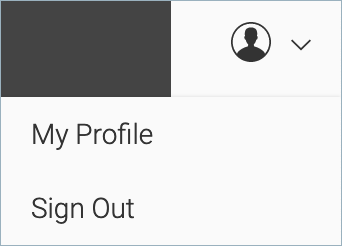
MyProfileDropdown.png

In Preferences, next to Time Zone, click CHANGE. Use the drop-down to select your time zone.
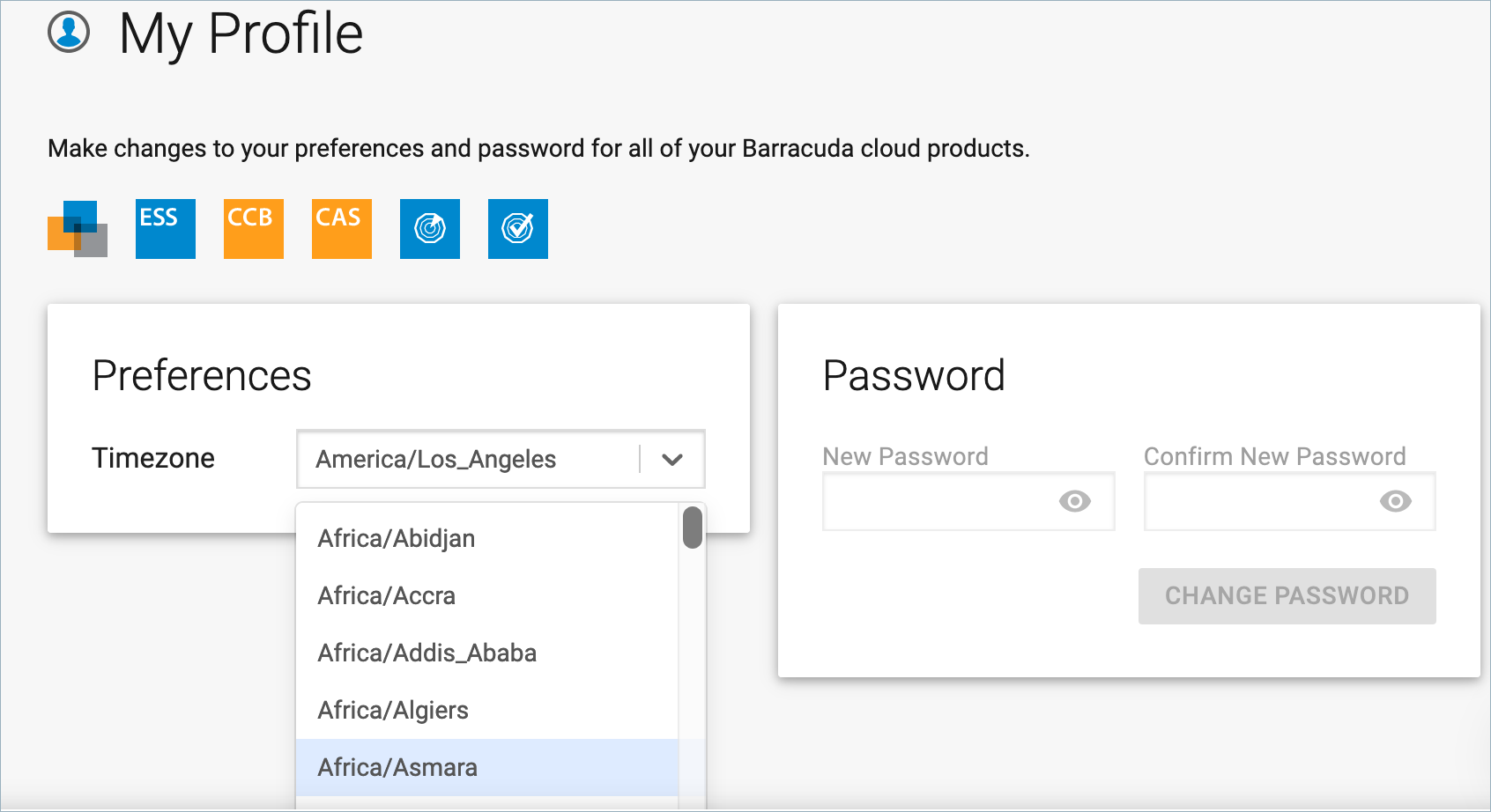
MyProfileScreen.png

Click CLOSE in the upper right of the screen.