
It seems like your browser didn't download the required fonts. Please revise your security settings and try again.
Barracuda CloudGen Access

Barracuda Campus is getting an upgrade!

We are excited to announce that Barracuda Campus will migrate to a new platform around mid-January 2026. Please see the announcement on the Campus Dashboard to find out more.

How to Configure Google Directory Authentication

  • Last updated on

OIDC authentication can be configured for enrolling devices through a specific identity provider.

Configure Google Directory Authentication

  1. Go to Identity > Settings.
  2. In the Authentication Protocol section, click Activate Provider.
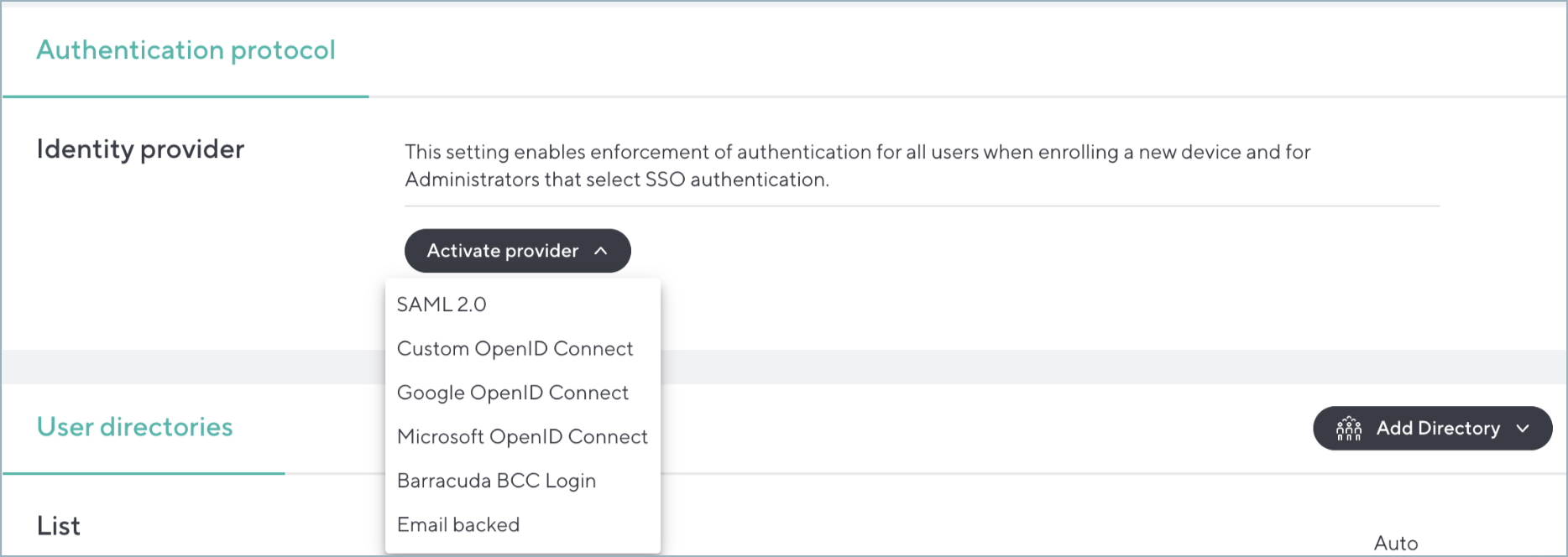
    ActivateProvider.png
  3. Click on Google OpenID Connect.