



To add a user to a group:
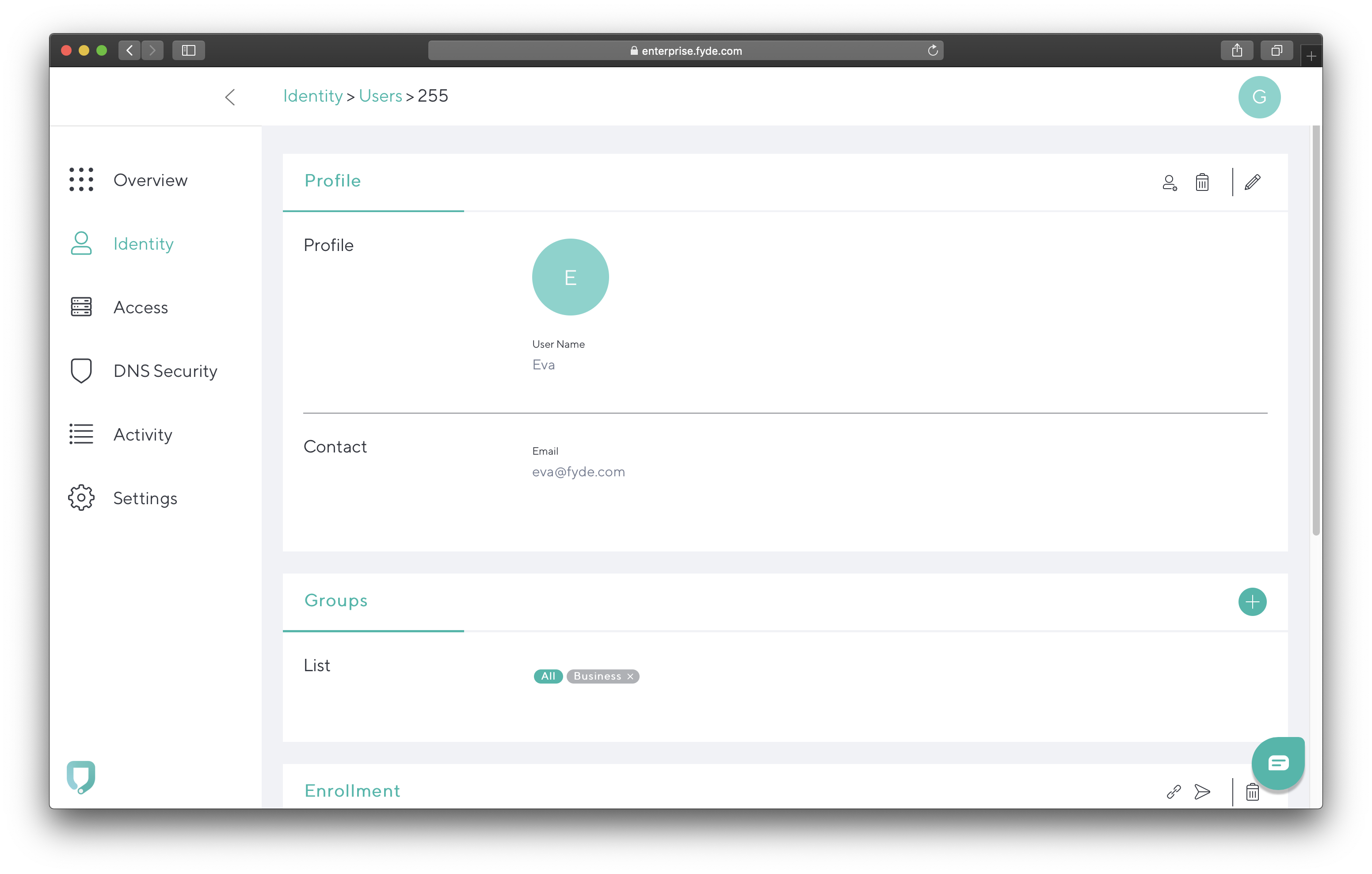
- Go to Identity and click on a user. Then, click the + icon to the right of Groups.
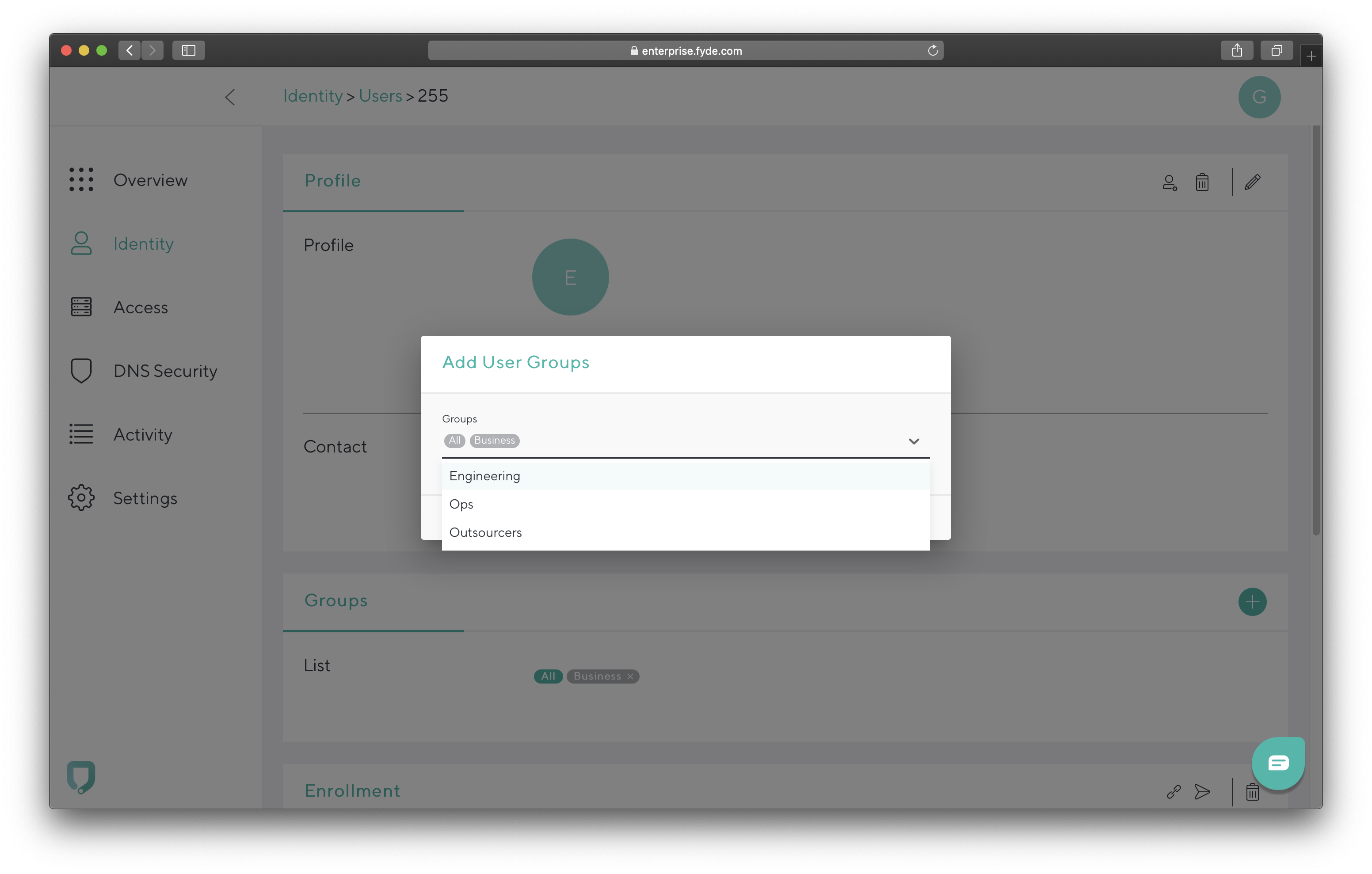
- Select Group Name(s) to add.
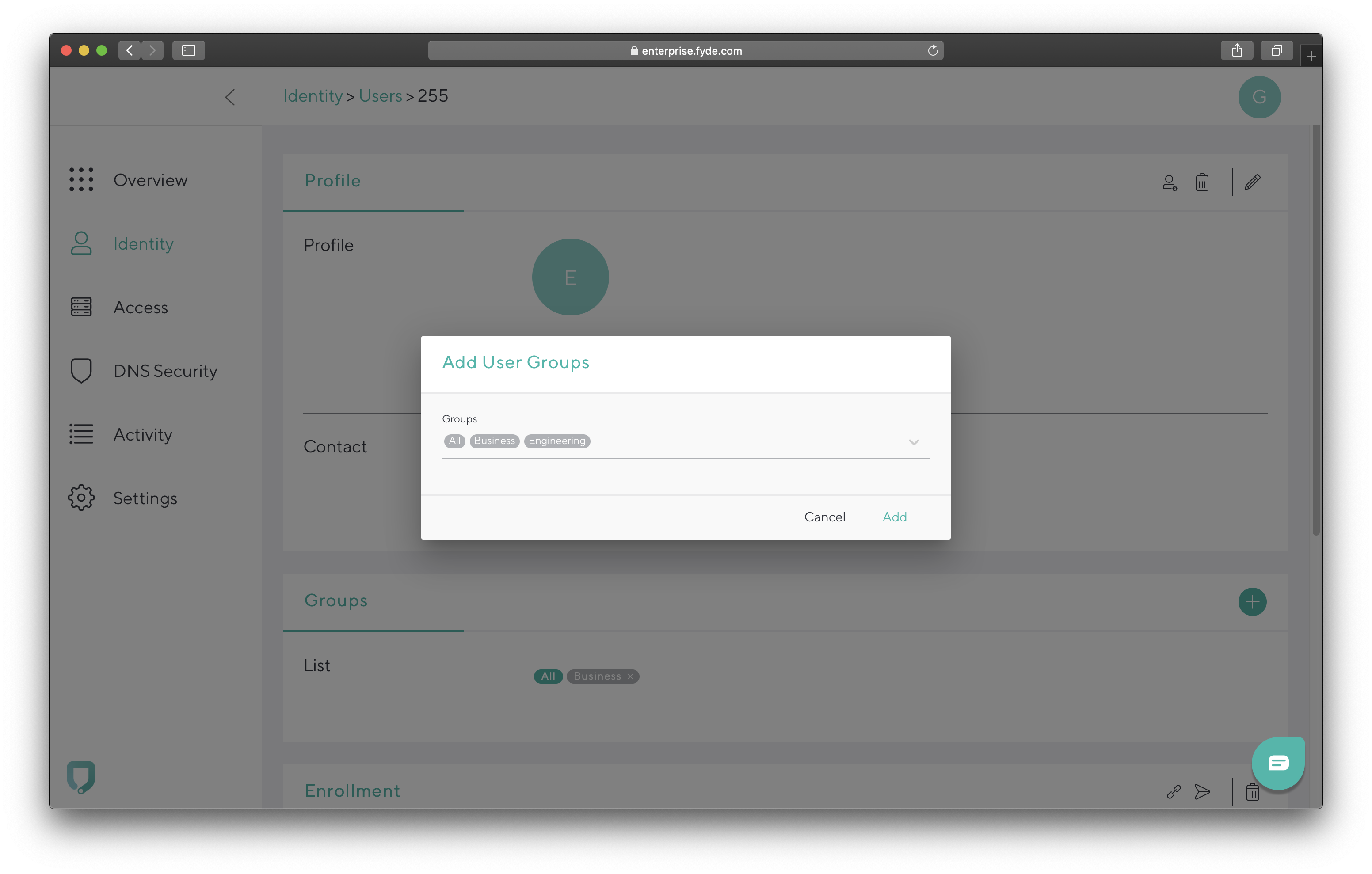
- Click Add.

Barracuda Campus is getting an upgrade!
We are excited to announce that Barracuda Campus will migrate to a new platform around mid-January 2026. Please see the announcement on the Campus Dashboard to find out more.
To add a user to a group: