
It seems like your browser didn't download the required fonts. Please revise your security settings and try again.
Barracuda CloudGen Access

Barracuda Campus is getting an upgrade!

We are excited to announce that Barracuda Campus will migrate to a new platform around mid-January 2026. Please see the announcement on the Campus Dashboard to find out more.

Resend Enrollment Email

  • Last updated on

To resend an enrollment email to the user:

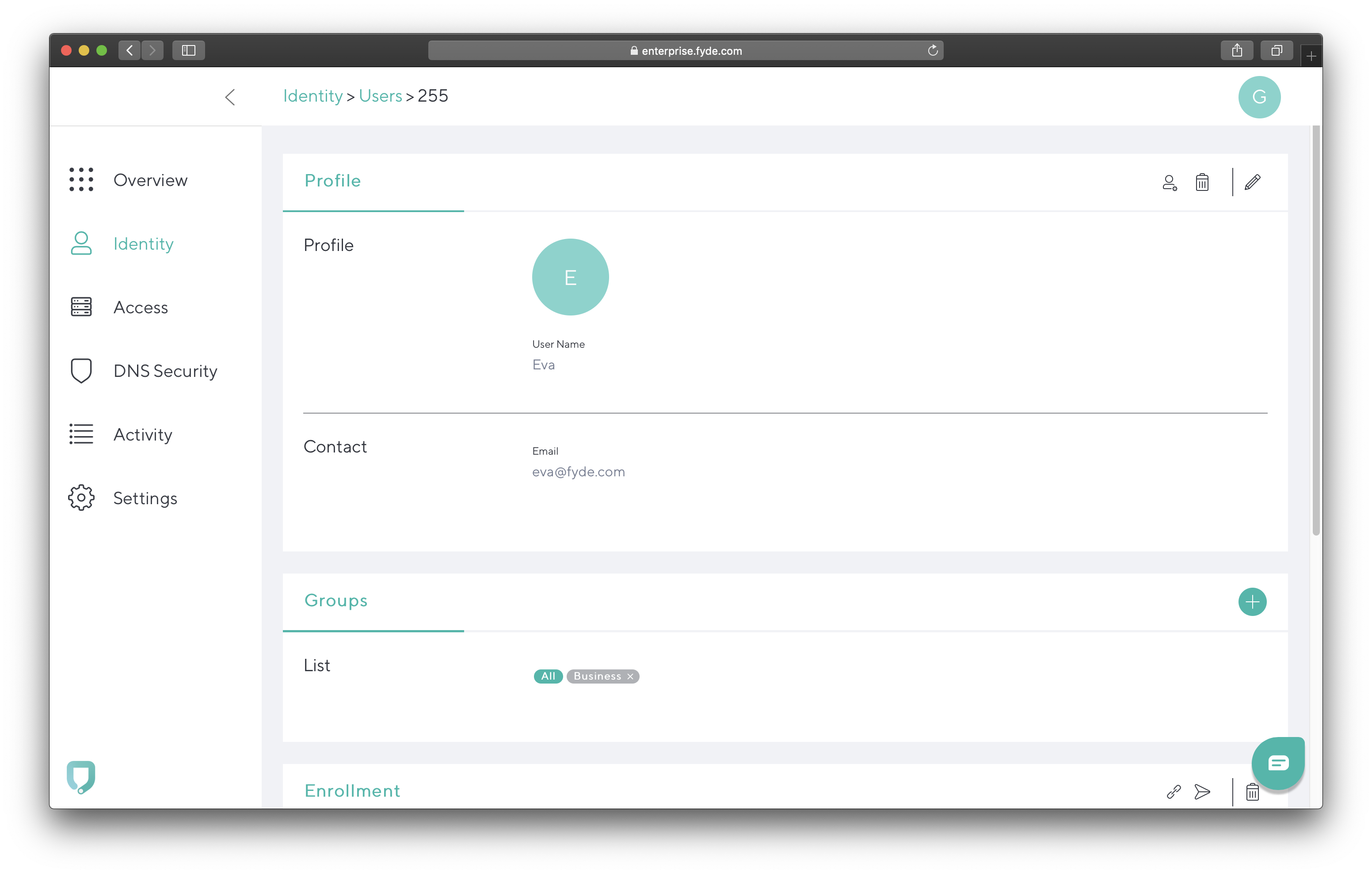
  1. Go to Identity, and click on the user.
    ec-resend-enrollment-email.png
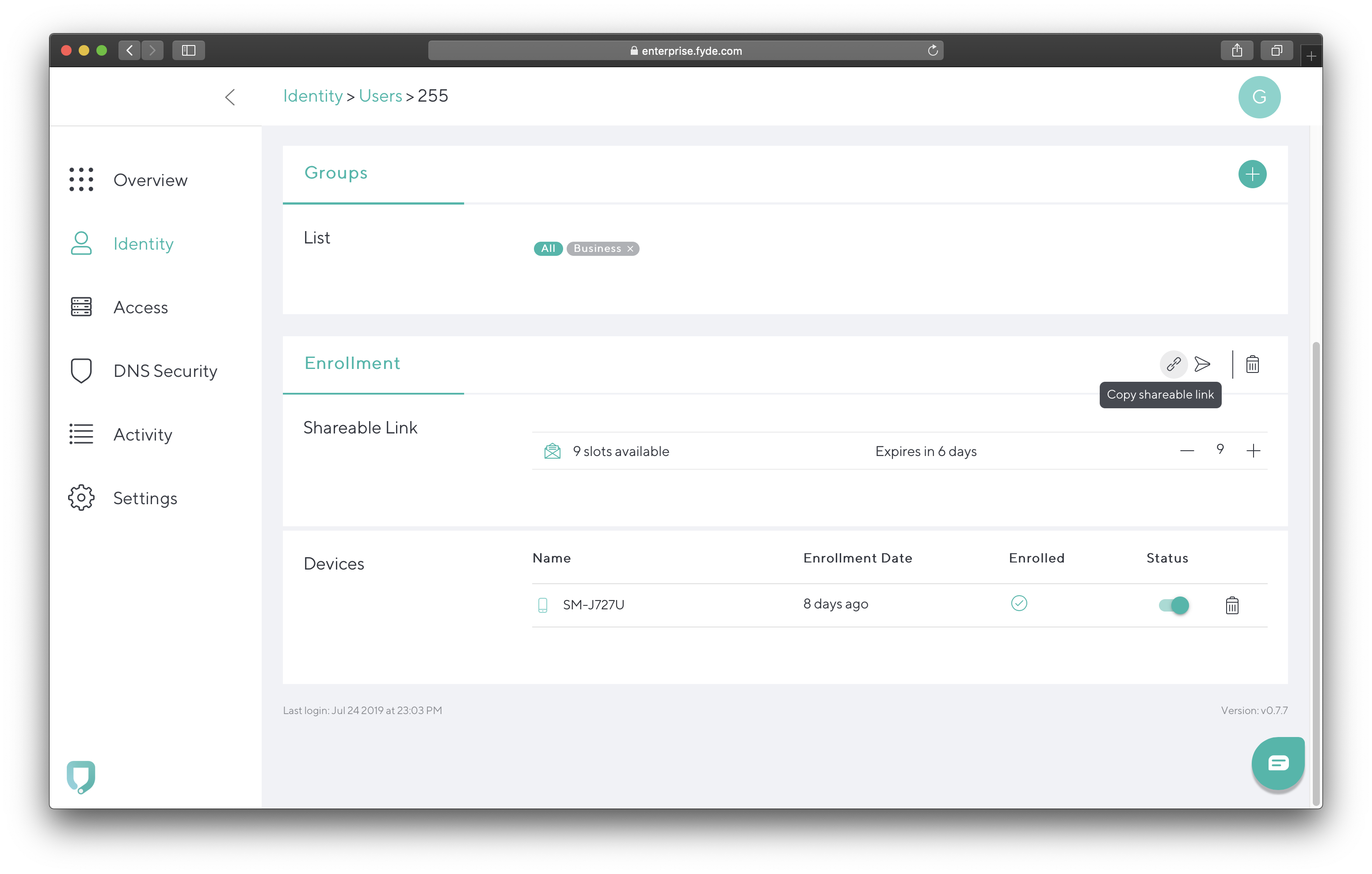
  2. Scroll down to Enrollment and hover your cursor over the arrow icon on the right.
  3. Click on Send email with shareable link.
    Note: The user must have a configured email address for this step to work. As an alternative, use Copy shareable link and transmit it to the user through other channels.
    ec-resend-enrollment-email3.png