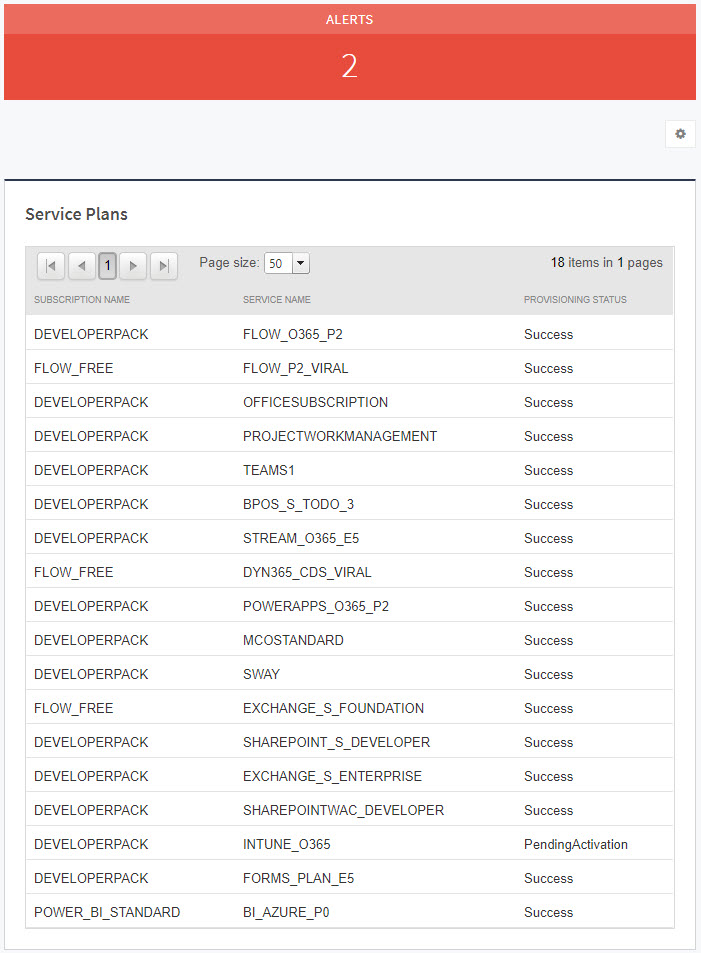
The Service Plans page shows details of subscriptions and services, including their provisioning status.
Information displayed on this page includes:
Subscription name—The subscription package the service belongs to
Service name—The name of the service
Provisioning status—For a list of statuses, see https://msdn.microsoft.com/en-us/library/microsoft.exchange.servicestatus.tenantcommunications.data.servicestatus.aspx.
To view service plans
In Service Center, click Status > Service Modules.
Do one of the following:
Click the Microsoft Office 365 2.0 link.
Under Management, on the right side, click Microsoft Office 365 2.0.
Click the link for a site.
In the Account Summary area, click the number next to Service Plans.