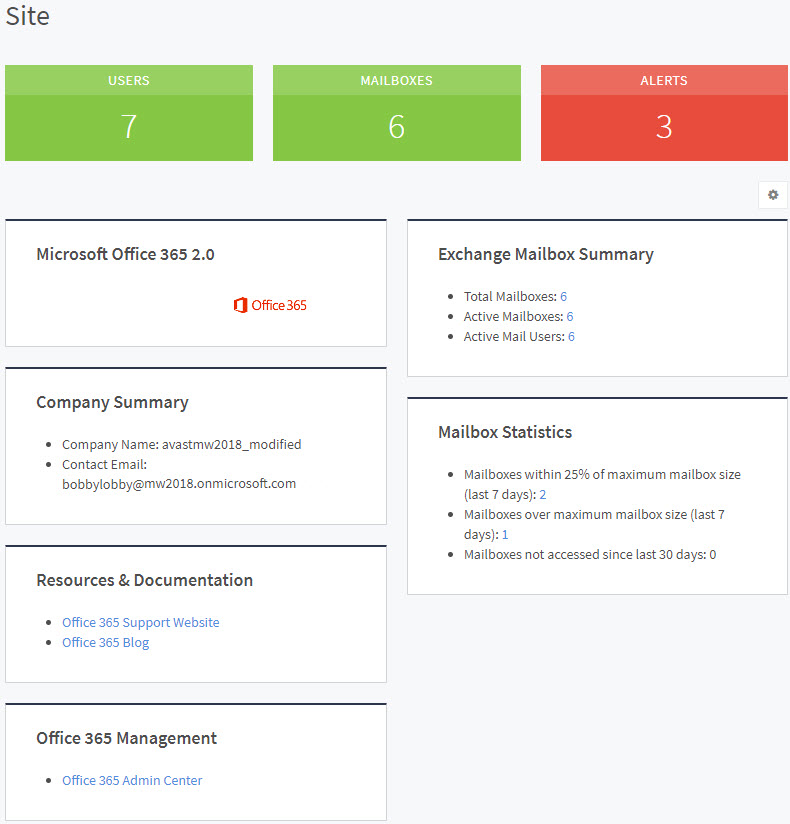
When you click on a domain, you will see the details for that domain. When you click any of the links on this page, you will be taken to a page that only shows information (mailbox summaries, statistics) for that specific domain.
To view details of domains
In Service Center, click Status > Service Modules.
Do one of the following:
Click the Microsoft Office 365 2.0 link.
Under Management, on the right side, click Microsoft Office 365 2.0.
Click the link for a site.
In the Domains area, click the link for a domain.