




To turn off recurring PacketTunnel Keychain Access queries, complete the following steps:
Initiate your required VPN connection and enter the password for the Keychain Access.
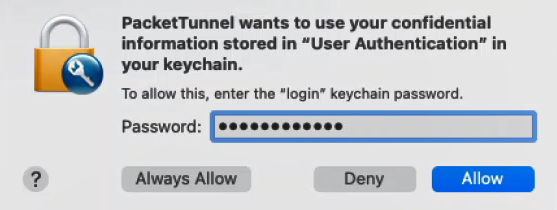
- For every VPN profile, change the Keychain Access Entry and its policy:
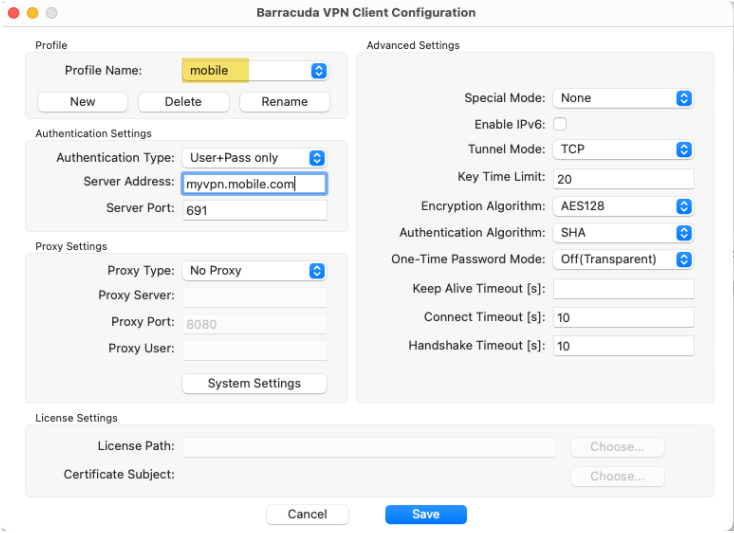
- Open the Keychain.app and search for the Barracuda NAC mobile entry.
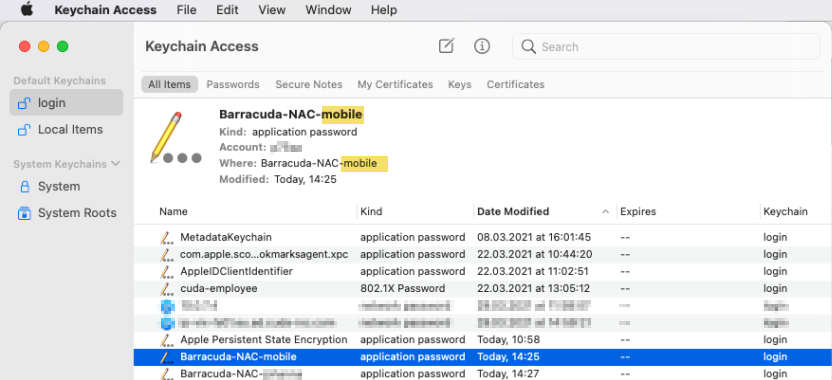
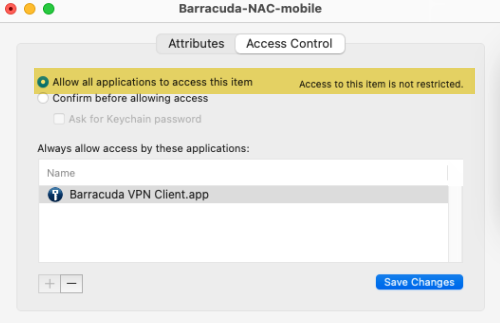
- Double-click the entry. The Access Control window opens.
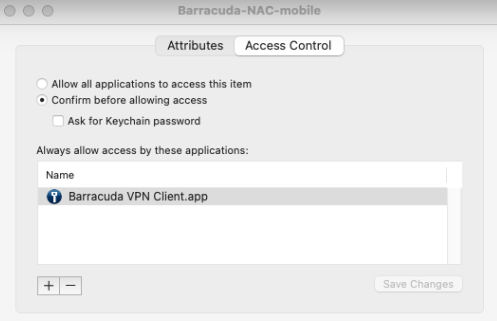
- Select Allow all applications to access this item.
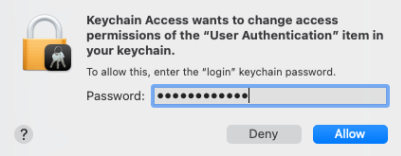
- Enter the login password to confirm your changes, and click Allow.
- Open the Keychain.app and search for the Barracuda NAC mobile entry.
- In case you have selected the Remember in keychain option, confirm the changes for the last time with the Keychain Access Password.
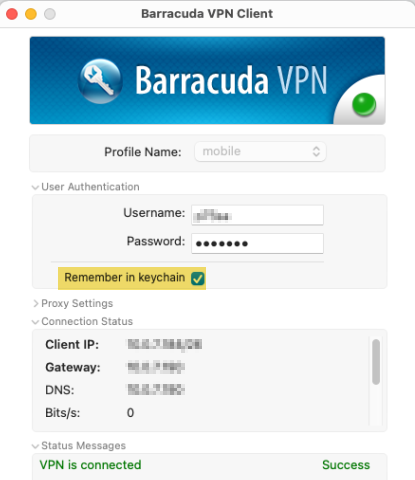
You should now no longer receive recurring PacketTunnel Keychain Access queries.