




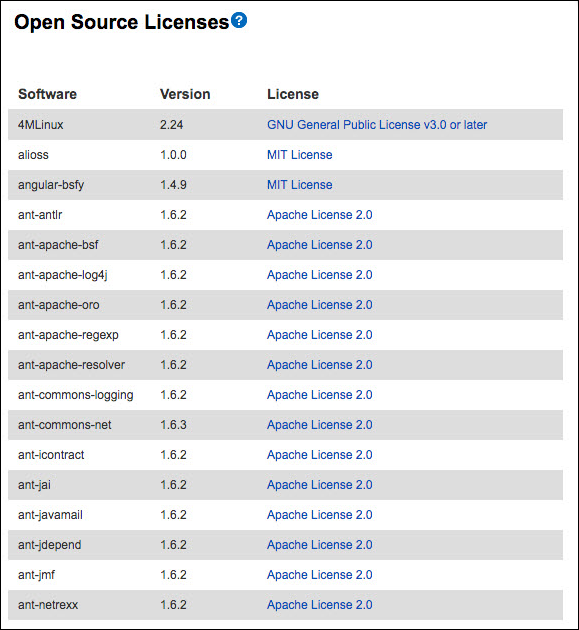
The Barracuda Web Application Firewall uses a range of open source software. To view the list of all the software used on the Barracuda Web Application Firewall, and their licenses:
- Go to Advanced > System Configuration.
- From the System Information section, click View Open Source Licenses.
The Open Source Licenses page displays all the software licenses used by Barracuda Web Application Firewall.
- To download the sources for all the open source software used on the Barracuda Web Application Firewall, click Help from the System Information section and then click link to download the source tarball.