




We have implemented updates to the Barracuda Managed XDR login process as mentioned in a previous notice: https://campus.barracuda.com/product/xdr/doc/660374779/barracuda-xdr-login-process-is-changing/
We are seeing a small number of users having trouble logging in. In one case, users do not know what email is attached to their XDR account username and so cannot login using their email and password. In another case, users have a Barracuda Cloud Control account but the XDR account email does not match, so they receive an error about not being an XDR user.
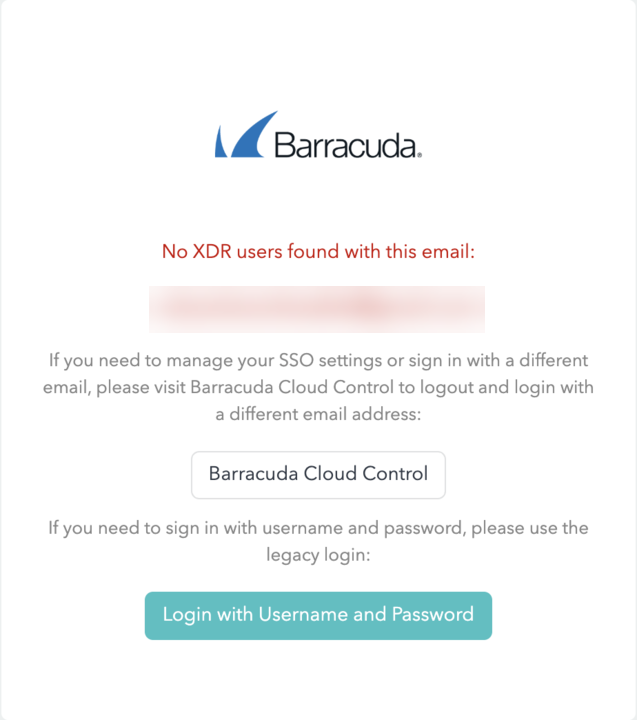
To bypass these issues, follow the procedure below.
Users are encouraged to work with their administrative support to resolve these issues so they can login with email, as XDR will be switching to using the email based login as part of our BarracudaONE platform integration effort. This will enable SSO-based login and a single session can be used to switch between XDR and other Barracuda products.
If you see an XDR user not found error, contact your administrator to do the following:
Log in to XDR using https://dashboard.skoutsecure.com/react-login-legacy using their administration username and password.
Navigate to Administration > User Management.
Find the affected user.
Click Edit User.
Change the email to match the email of a user with SSO login.