




The Barracuda SecureEdge Manager allows you to configure AI-based Content Inspection for social media platforms.
Key features include:
Detecting and managing harmful uploads, such as posts, images, and videos.
Selectable AI classifiers for cyberbullying, hate speech, privacy violations, and more to create a safer online environment.
No monitoring of user browsing activity.
Enable AI Content Inspection
Go to https://se.barracudanetworks.com and log in with your existing Barracuda Cloud Control account.
The chosen Tenant/Workspace is displayed in the top menu bar.
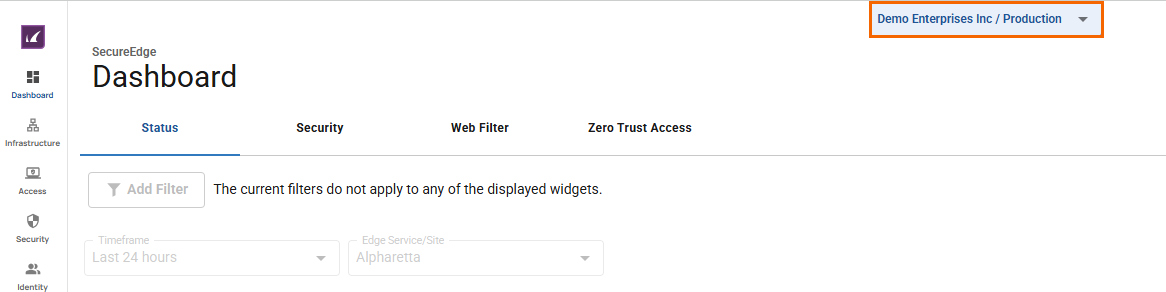
From the drop-down menu, select the workspace you want to configure AI Content Inspection for.
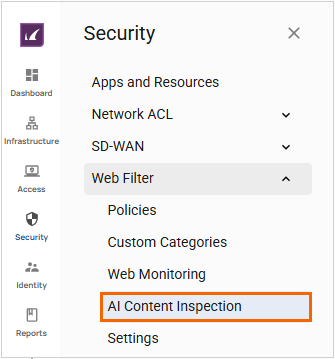
Go to Security.
Expand the Web Filter menu on the left and select AI Content Inspection.
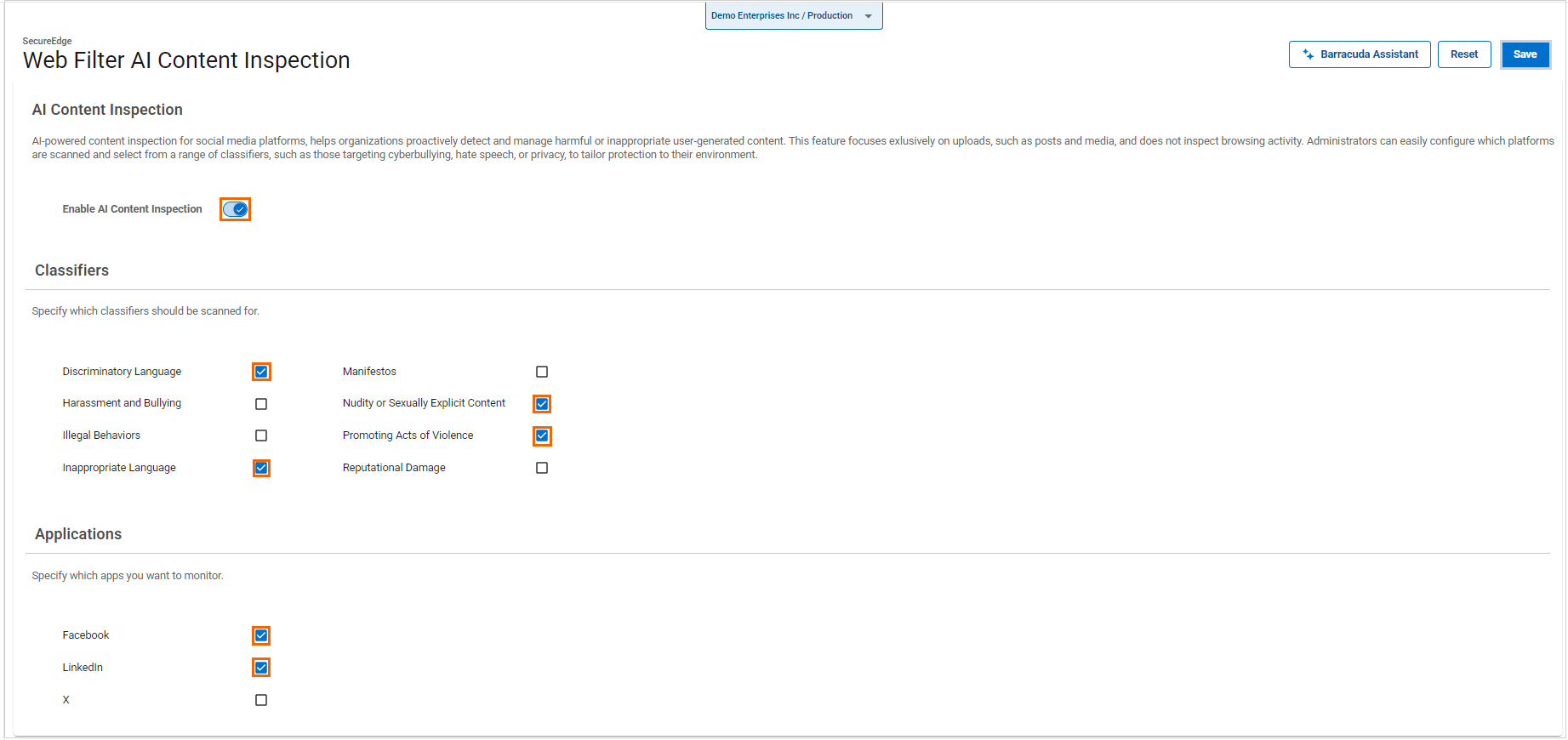
The AI Content Inspection page opens.
Specify values for the following:
Enable AI Content Inspection – Click to enable/disable. By default, AI Content Inspection is disabled.
When AI Content Inspection is enabled, specify the following:
In the Classifiers section, select the classifiers you want to scan:
Discriminatory Language – Click to select/clear the box.
Harassment and Bullying – Click to select/clear the box.
Illegal Behaviors – Click to select/clear the box.
Inappropriate Language – Click to select/clear the box.
Manifestos – Click to select/clear the box.
Nudity or Sexually Explicit Content – Click to select/clear the box.
Promoting Acts of Violence – Click to select/clear the box.
Reputational Damage – Click to select/clear the box.
In the Applications section, select the apps to monitor:
Facebook – Click to select/clear the box.
LinkedIn – Click to select/clear the box.
X – Click to select/clear the box.
When AI Content Inspection is disabled, you cannot configure classifiers or applications for it.
Click Save.
The AI Content Inspection configuration is saved. The AI service intercepts posts before they are uploaded to social media platforms and checks for violations of defined criteria for a selected workspace. Note that violated posts are not blocked; instead, the SecureEdge Manager is notified of any violations, which are included in the reports.