To access the MSP App Accounts Page, perform the following steps.
Login to your Barracuda Cloud Control at http://login.barracudanetworks.com/.
The Sign-in page is displayed.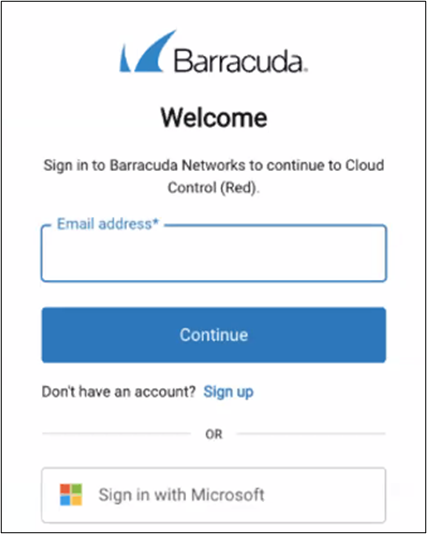
Type your email address and click Continue.
The password field is displayed.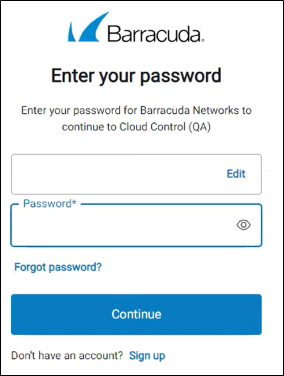
Type your password and click Continue.
If you have activated MFA, the authentication field is displayed.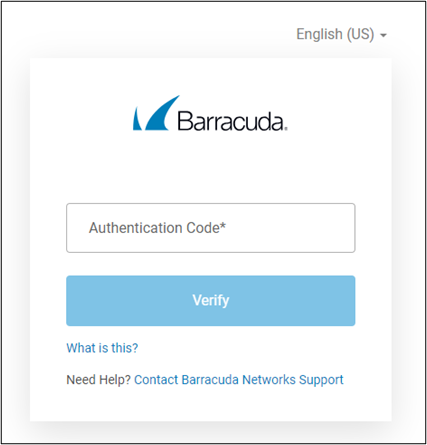
Type the authentication code from your MFA device and then click Verify.
The Barracuda Cloud Control (BCC) page is displayed.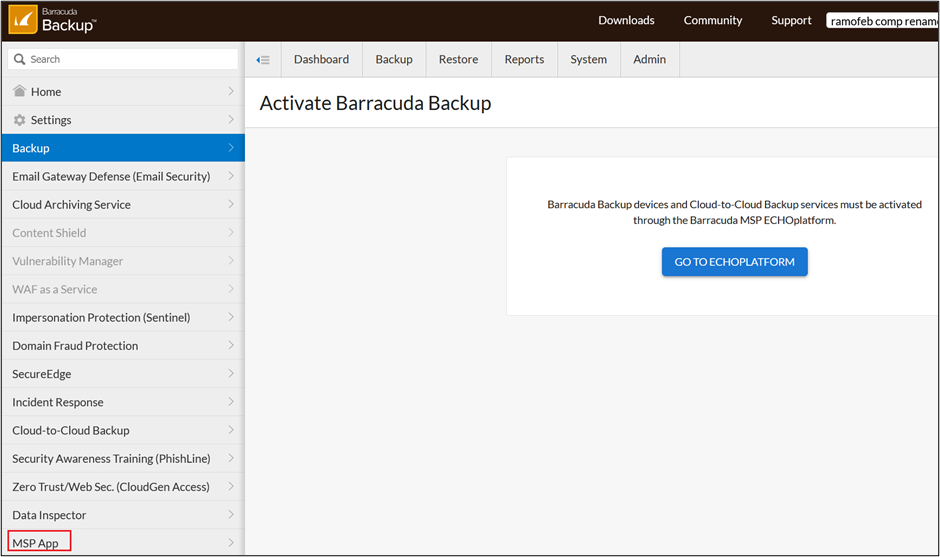
At the navigation pane, select MSP App.
The MSP App Accounts page is displayed.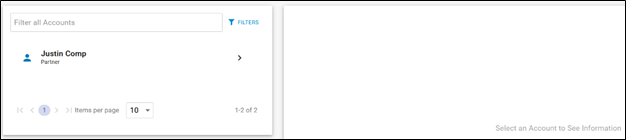
Important!
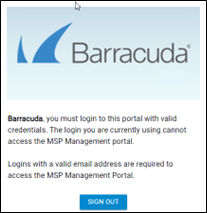
If the MSP page is not displayed and you see the following error message, you are not using User Admin credentials. Ensure you have logged in as a User Administrator.