




Use the following steps to view running and queued tasks in the Barracuda Backup local web interface:
- Open a web browser, and enter the Barracuda Backup Server IP address to log in to the Barracuda Backup local web interface.
- Go to the System > Device Information page. In the Task Manager section, Running Tasks and Queued Tasks display:
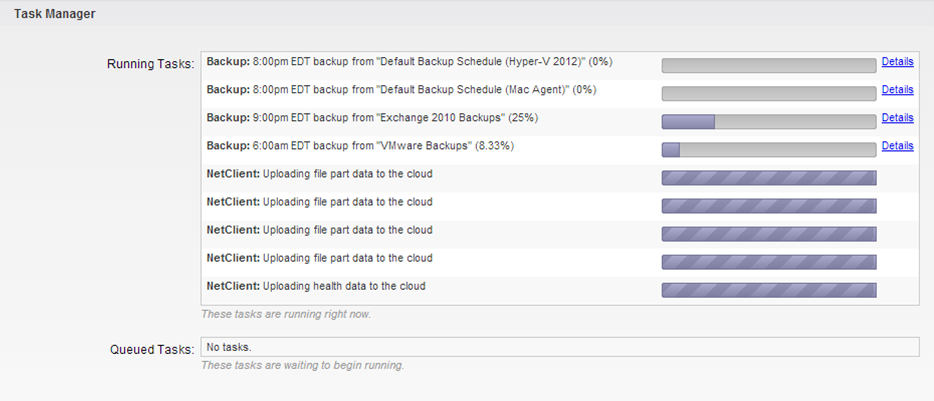
- Click Details to toggle additional information on or off.
Processes and Services
The following table describes the processes and services that display on the System page:
| Backup | Daemon responsible for performing backup functions. |
| Restore | Daemon responsible for performing restore functions. |
| Netclient | Process used to replicate data to another location. |
| Netserver | Process that receives data from netclient for box-to-box replication. |
| Purger | Deletes files that fall outside of the retention policy, and shares removed from the configuration. |