




The Host / Forwarding Rules pages give you a read-only view of the ruleset. Host and forwarding rules are used to manage traffic going through the Barracuda CloudGen Firewall. To access the Host / Forwarding Rules pages, go to the FIREWALL tab in the ribbon bar and click Host Rules or Forwarding Rules.
Host Rules Page
The FIREWALL > Host Rules page provides a read-only view of the Host Firewall ruleset together with the configuration menu that is available for Host Firewall rules. Note that all information displayed in this tab is purely informational.
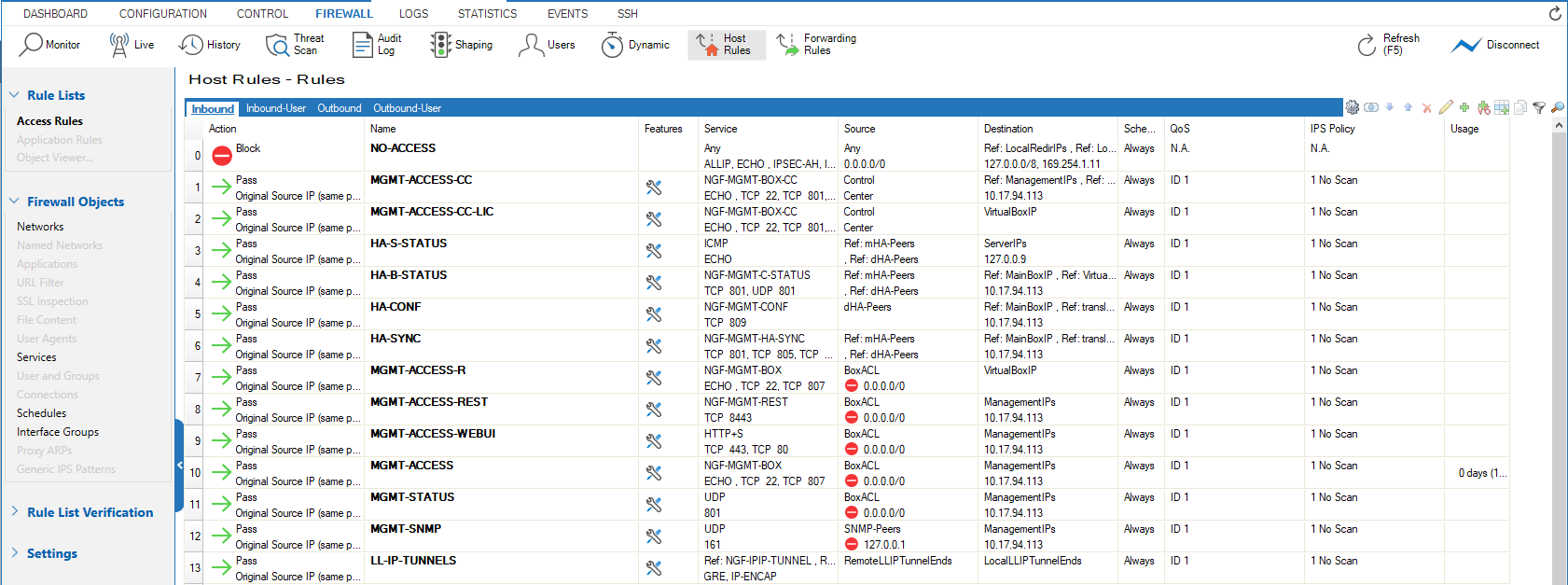
To edit and create rules, you must access the Host Firewall Rules configuration page. For more information, see Firewall Rule List Interface and Icons .
Forwarding Rules Page
The FIREWALL > Forwarding Rules page provides a read-only view of the Forwarding Firewall ruleset together with the configuration menu that is available for Forwarding Firewall rules. Note that all information displayed in this tab is purely informational.
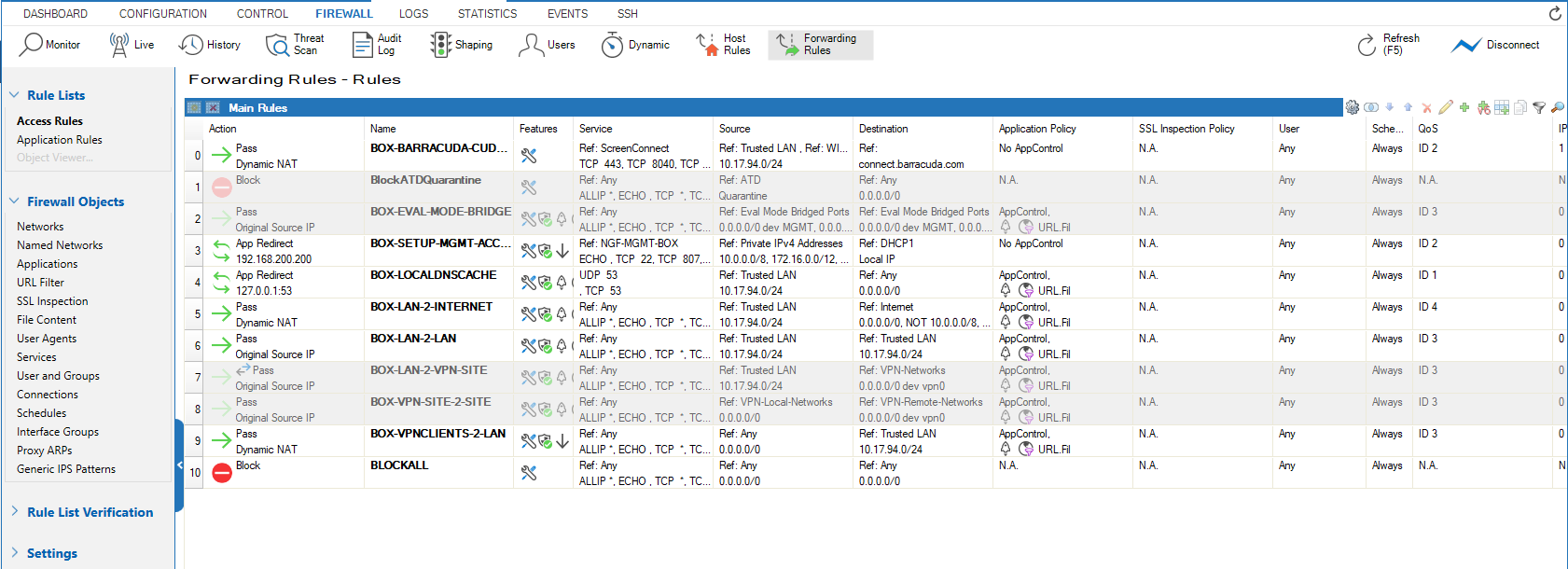
To edit and create rules, you must access the Forwarding Rules configuration page. For more information, see Firewall Rule List Interface and Icons .